← MMH Adventures
Alt Time
12-hour and 24-hour time, always visible on your lock screen
Lock screen widgets for iOS · $1.99
Download on App Store →
12-hour and 24-hour time, always visible on your lock screen
Lock screen widgets for iOS · $1.99
Download on App Store →Alt Time auto-detects whether you use 12-hour or 24-hour time and shows the opposite right on your lock screen — updated every minute, no accounts, no configuration. Pick the widget that fits your layout.
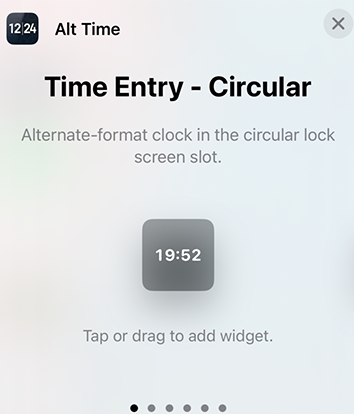
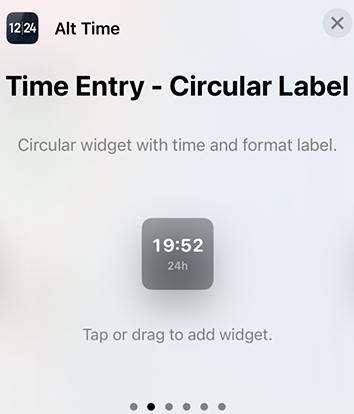
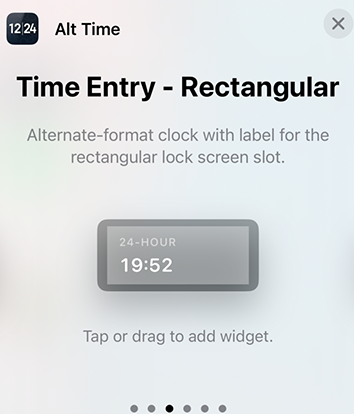
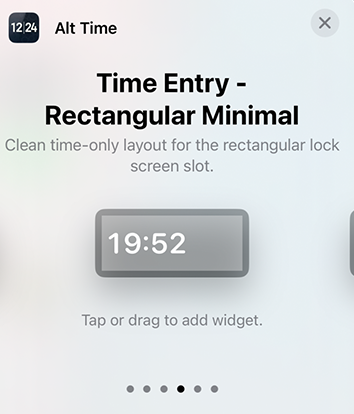
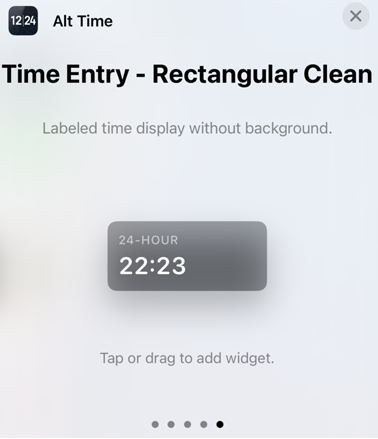
iOS lock screen widgets have strict design limitations set by Apple. Text alignment, sizing, and positioning are controlled at the system level — even Apple's own apps can't center text in rectangular widgets.
Apple forces left alignment for rectangular lock screen widgets. There's no way to center text — this is a system restriction that can't be bypassed reliably.
Instead of fighting impossible battles, we provide five thoughtfully designed variants. Circular widgets work in circular slots. Rectangular widgets offer multiple styles from minimal to labeled. Pick what works for your layout.
Scroll through real lock screen layouts to see how Alt Time looks alongside your other widgets.
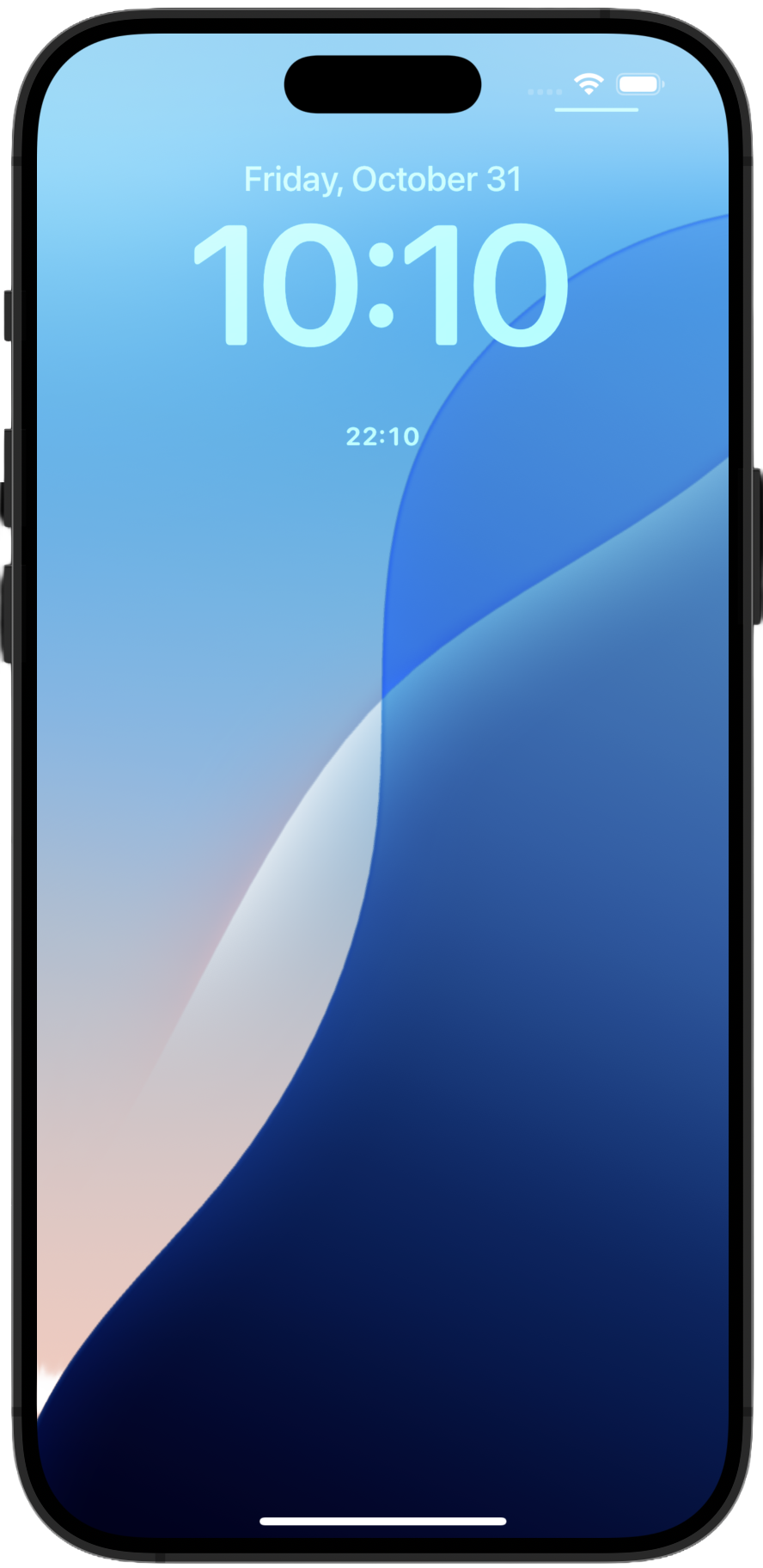 Circular
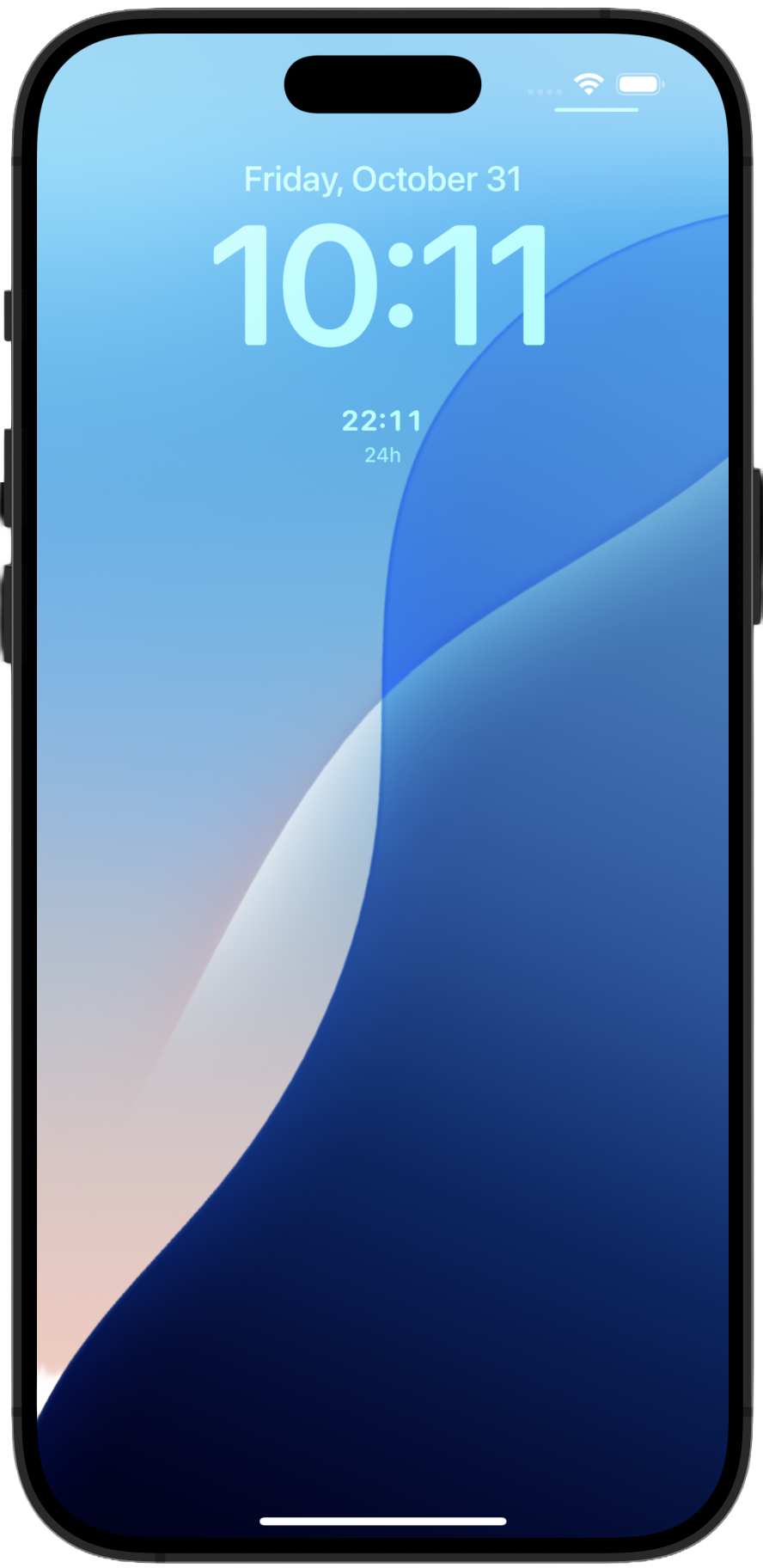 Circular Label
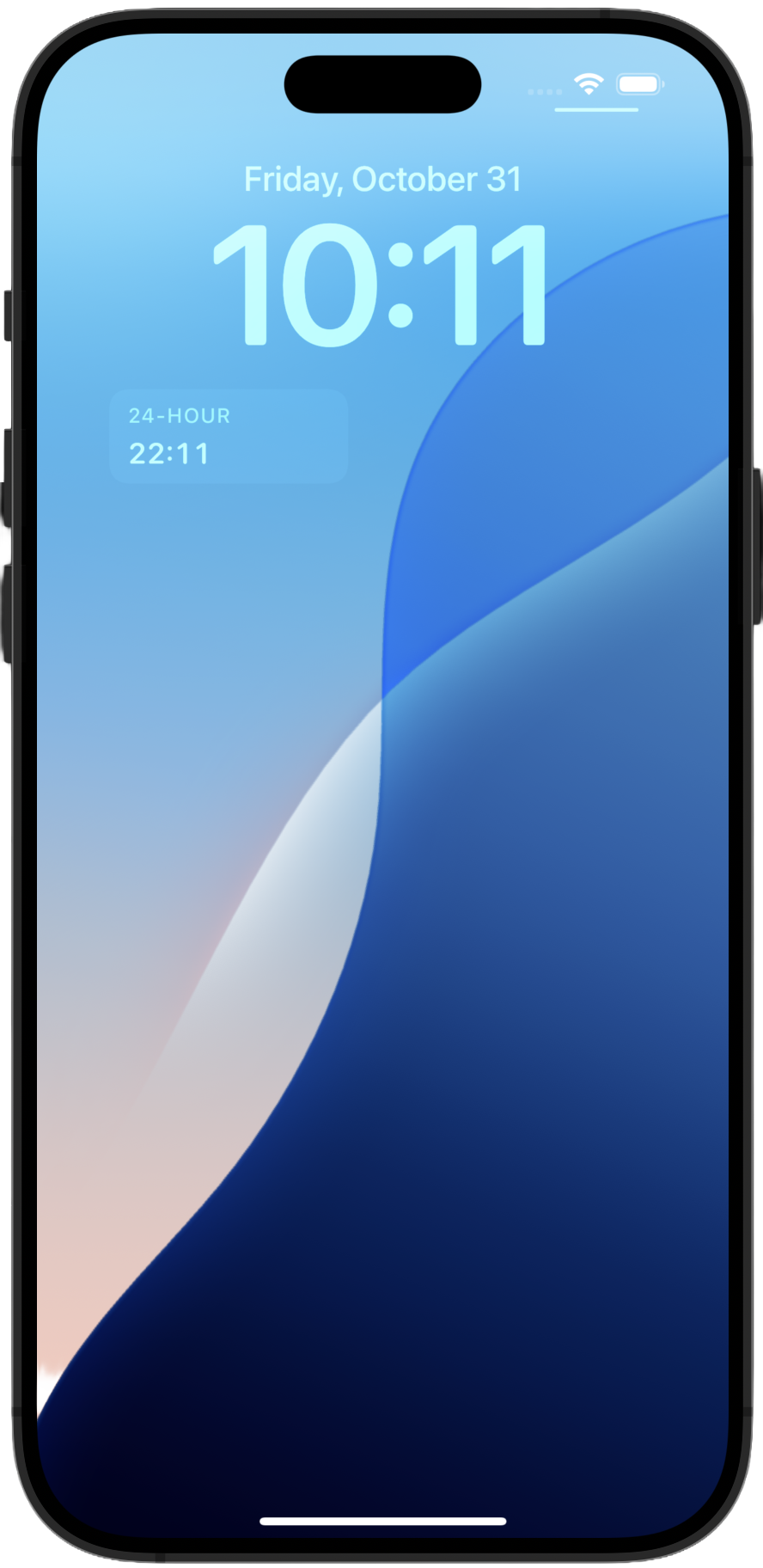 Rectangular
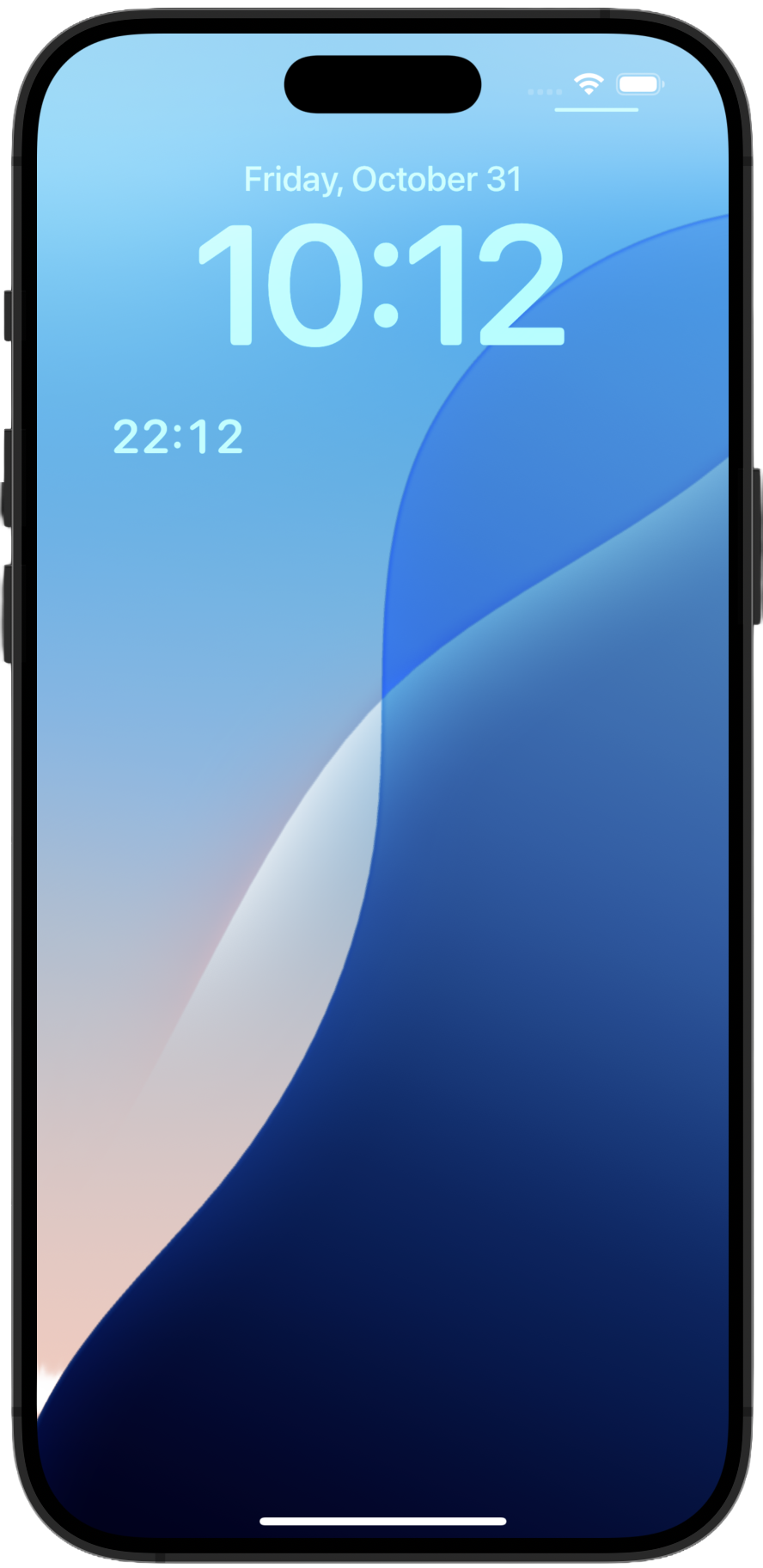 Rectangular Minimal
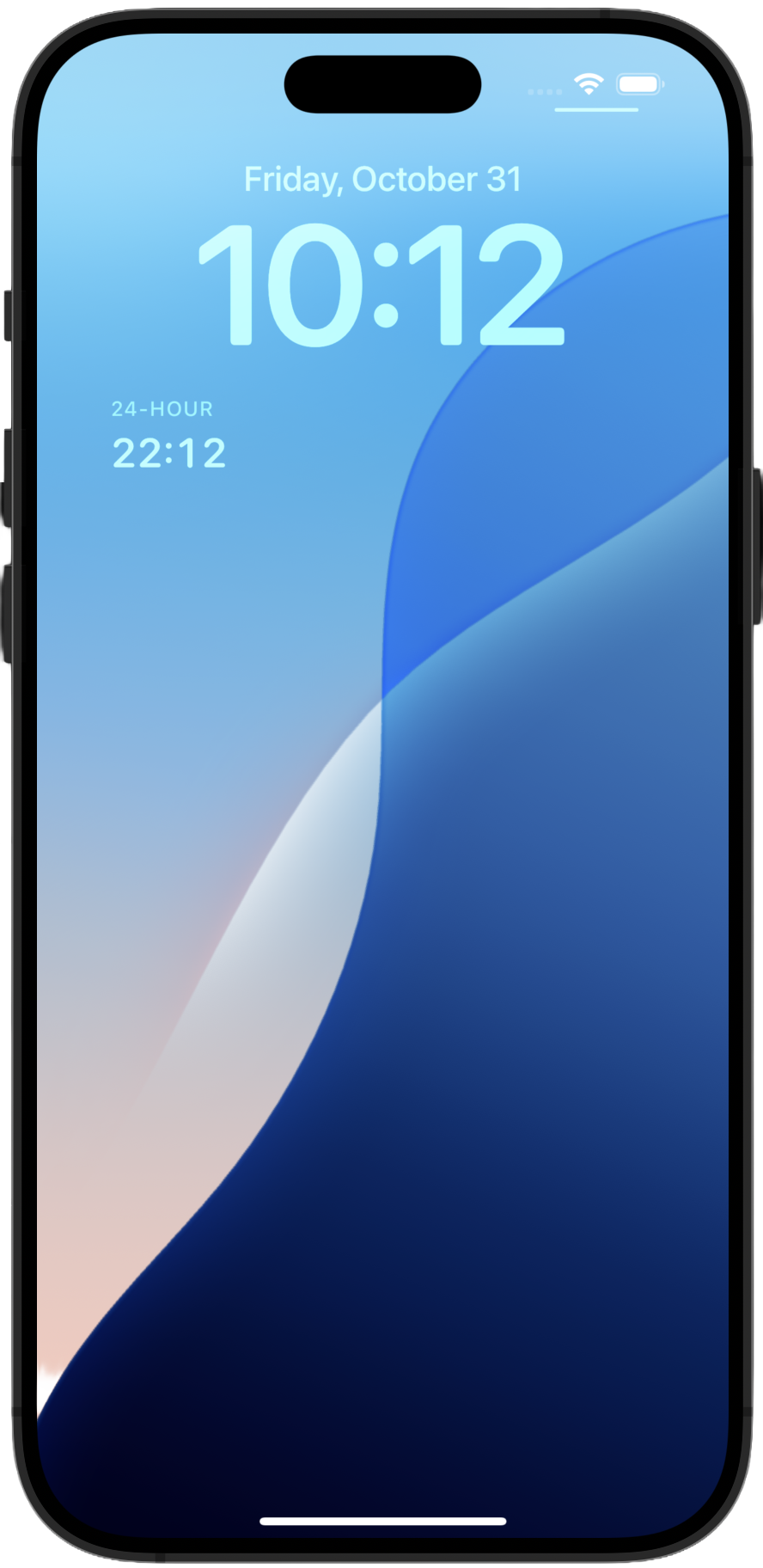 Rectangular Clean
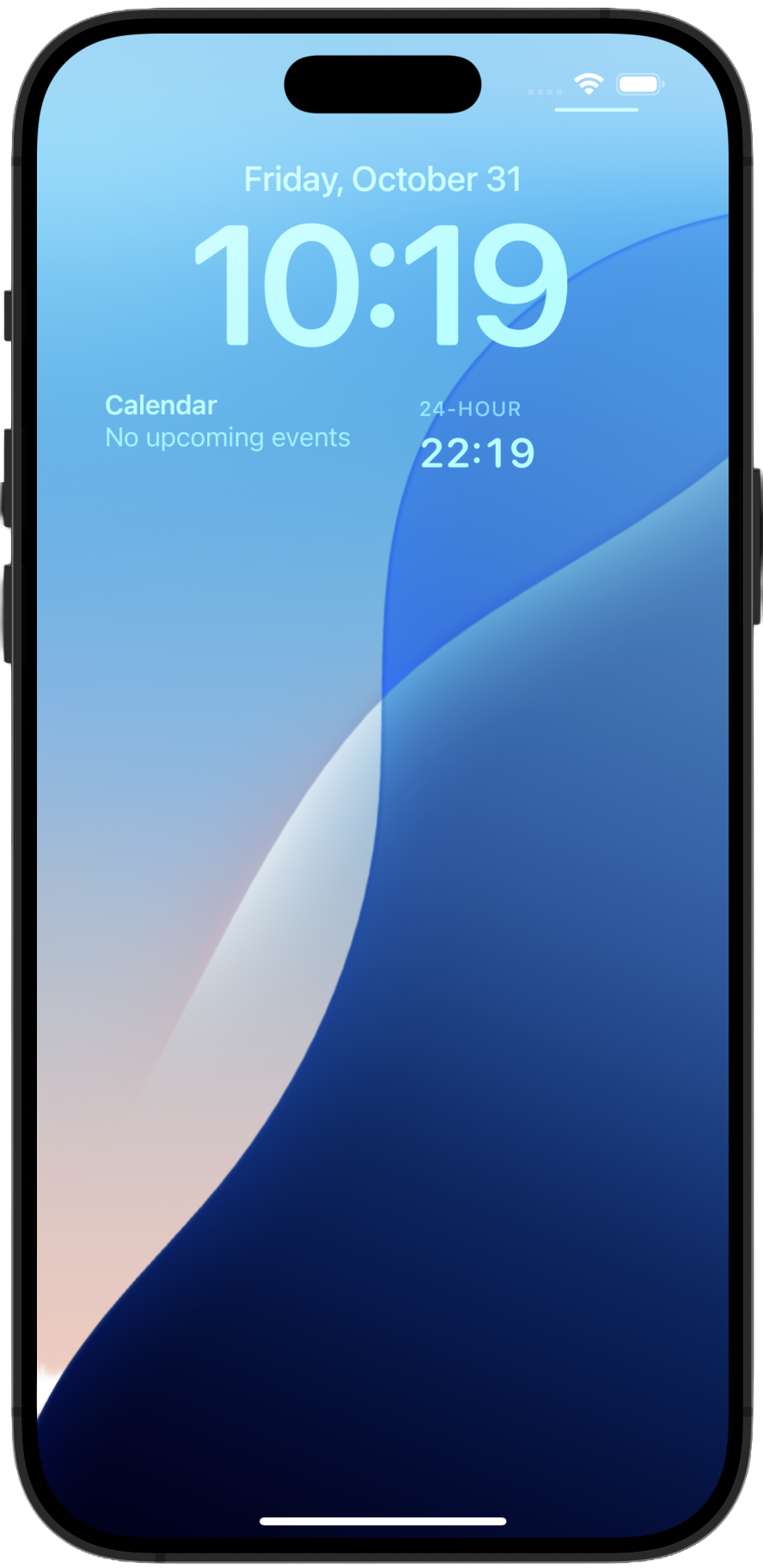 Example 1
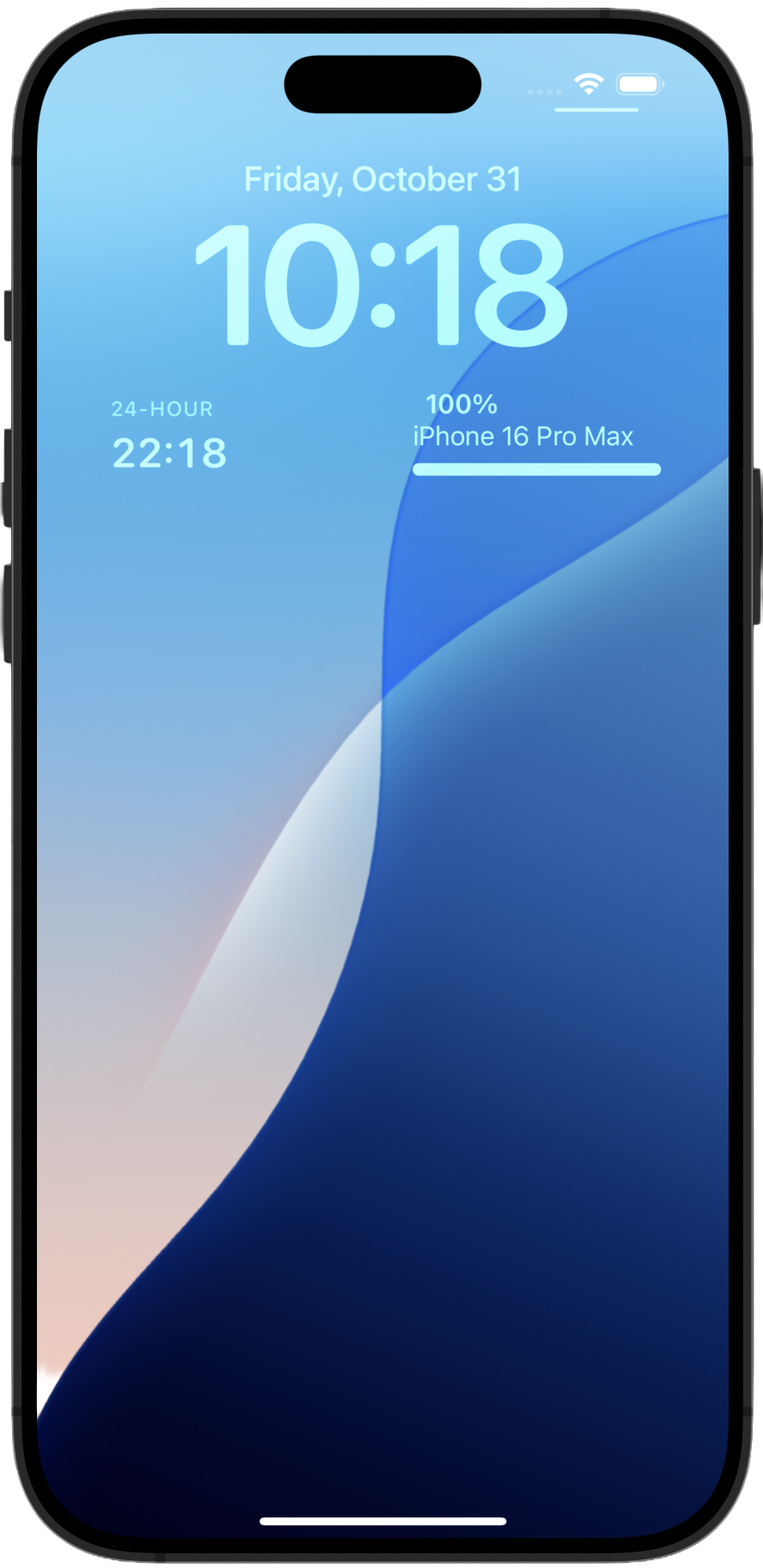 Example 2
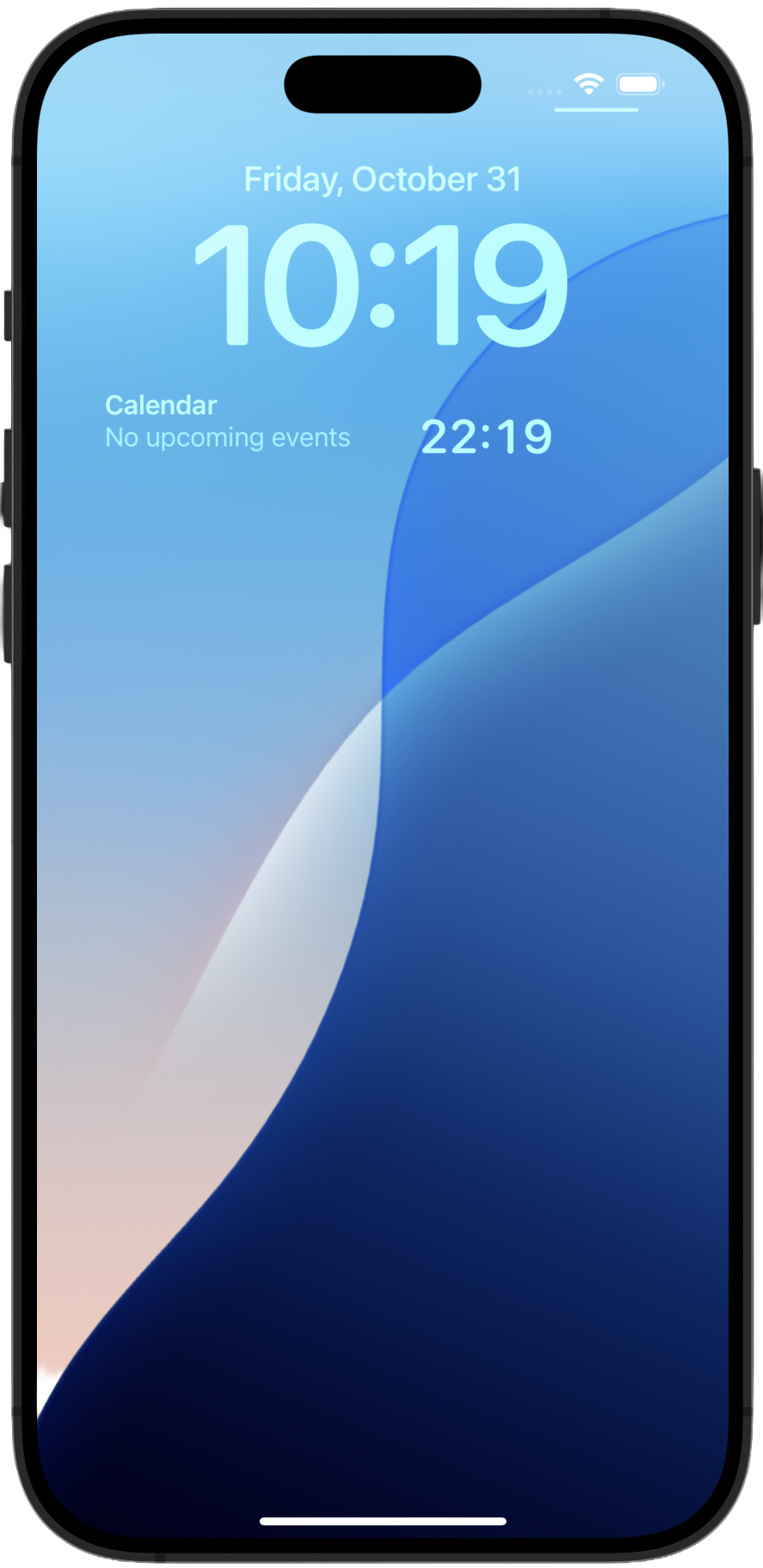 Example 3
iOS 16+ · No data collection · No ads · No account required
Available now on the App Store for $1.99.